Can I try it before signing up?+
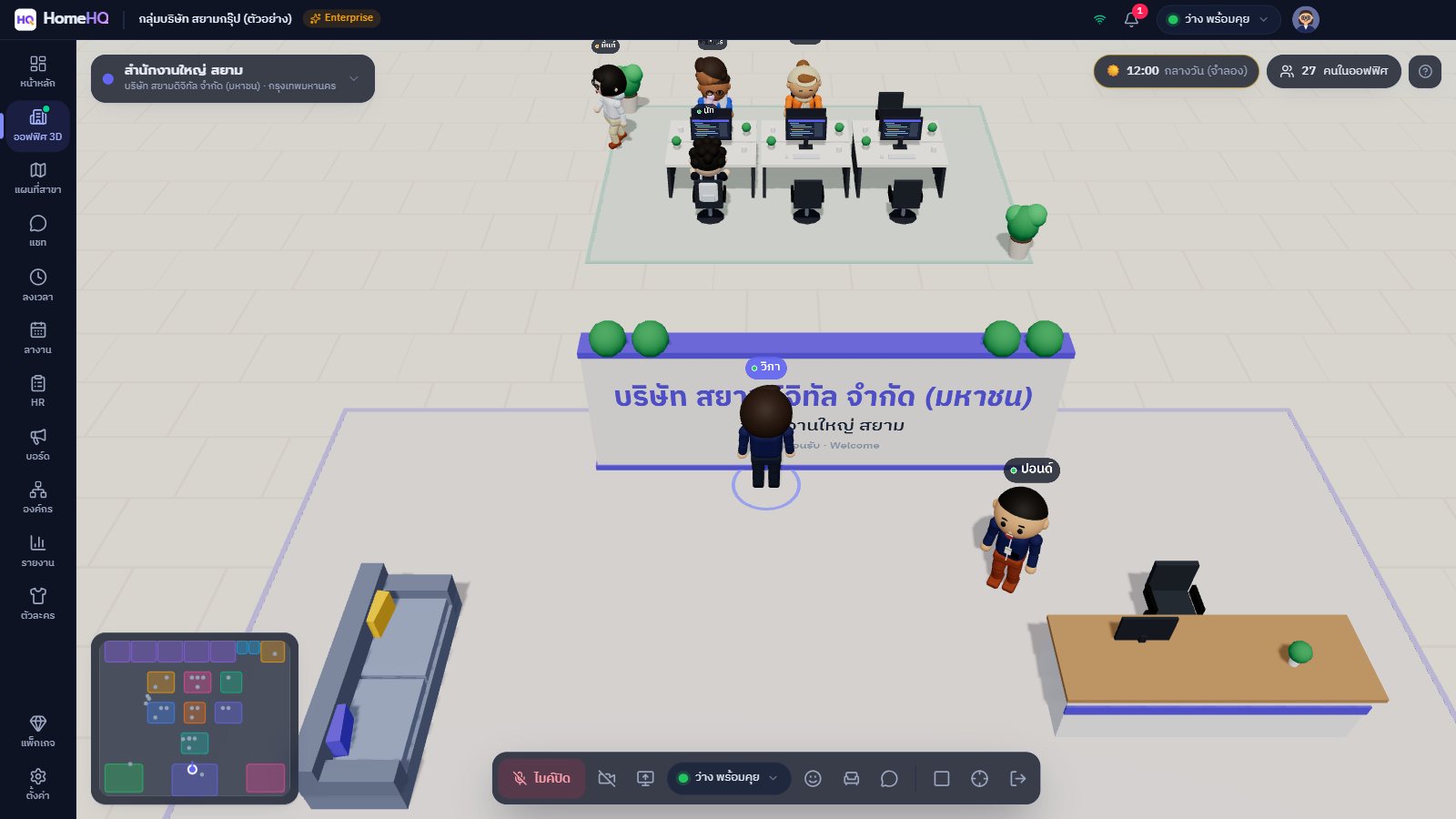
Yes, right away. Click "Try the live demo" to enter a sample company with every feature unlocked and simulated employees walking around the office. Demo data is reset to its defaults from time to time, so feel free to click anything — you can't break it.
How is it different from Zoom or LINE?+
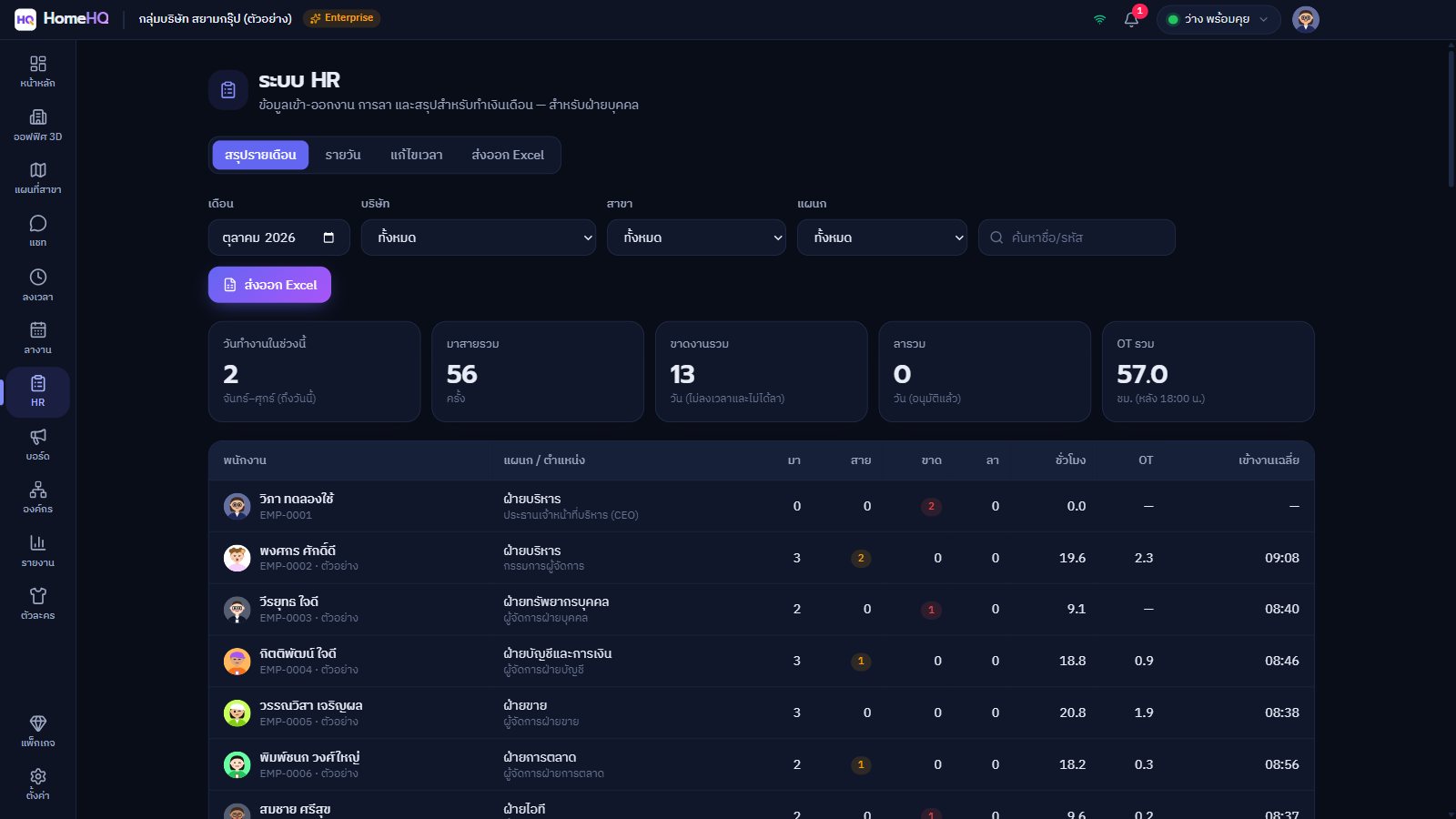
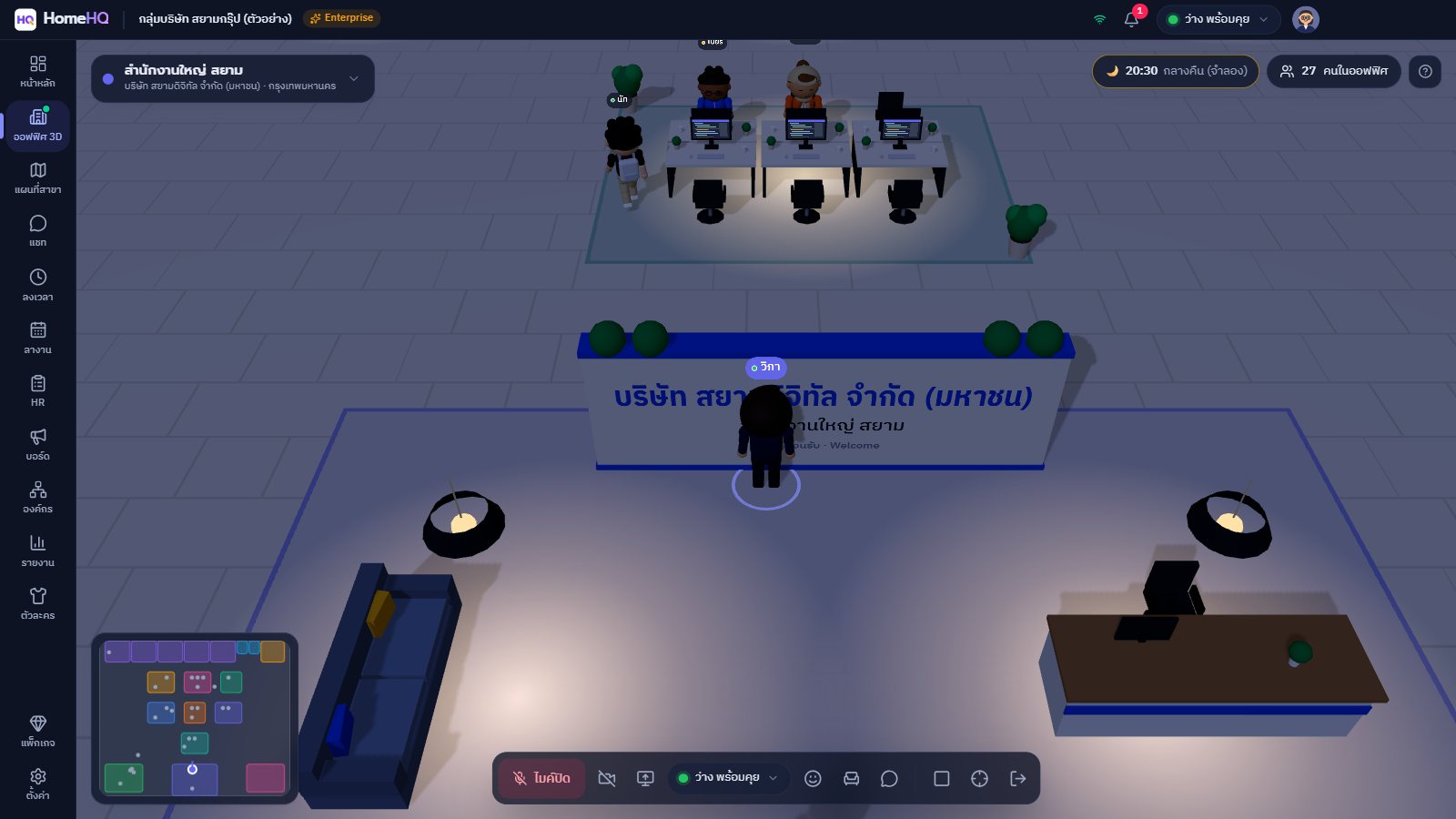
With Zoom and LINE you schedule a call or send a message and wait for a reply. In HomeHQ, everyone is in the same 3D office all day: you can see who's free and walk over to talk instantly, meet and share screens in rooms — and attendance, leave and HR reports live in the same app, so there's no switching between programs.
Can employees who aren't comfortable with computers use it?+
It's as easy as playing a game: click the floor to walk, and click a teammate's name to walk over to them. New members get a step-by-step guided tour, and the AI assistant answers questions inside the app. Store staff only need the mobile clock-in website.
Does it use a lot of bandwidth?+
Voice chat uses very little data — about the same as a call in a typical calling app (around 50–100 kbps per person in the circle). Turning on your camera or sharing your screen uses more. Regular home internet or 4G is fine, and voice is relayed automatically when a corporate network blocks direct connections.
Where is our data stored, and is it secure?+
Data is stored on cloud servers (Singapore region) over encrypted HTTPS connections, backed up every night, with daily server security checks. It's designed in line with the PDPA, with your organization as the data controller. Organizations that need servers in Thailand can choose the Enterprise add-on — read more in our Privacy Policy.
Can you issue receipts or tax invoices?+
These documents aren't issued automatically yet — contact our team with your payment reference number, company name and address to ask about them.
How long is the free trial?+
New organizations get a free 30-day trial of the Enterprise plan with every feature, no credit card required. Afterwards, choose the plan you want — all your data stays intact.
Is there a free plan?+
Yes. Teams of up to 10 people with 1 company and 1 branch can use the 3D office, chat and attendance free forever.
How are store/branch staff who only clock in priced?+
Use the "Branch seats" add-on at ฿49 per person per month (฿39 billed yearly). Staff clock in and out and request leave on the mobile web, with no app to install. Managers can approve leave from their phones, and branch seats don't count toward your plan's member limit (available on Pro and up).
How do I pay?+
Scan the PromptPay QR code with any bank app, then send the transfer slip in the app or from your phone. The slip is verified with the bank and your plan is activated instantly and automatically. Larger organizations can contact sales for a quotation.
What computers does it work on?+
There's an app for Windows 10/11 · On a Mac, every feature works in a web browser · On mobile, use the web app to clock in and request leave (homehqth.com/m). Typical office computers work fine, and there's a power-saving graphics mode for low-spec machines. We recommend headphones for the best audio quality — see how to install
Does it work for company groups with many branches?+
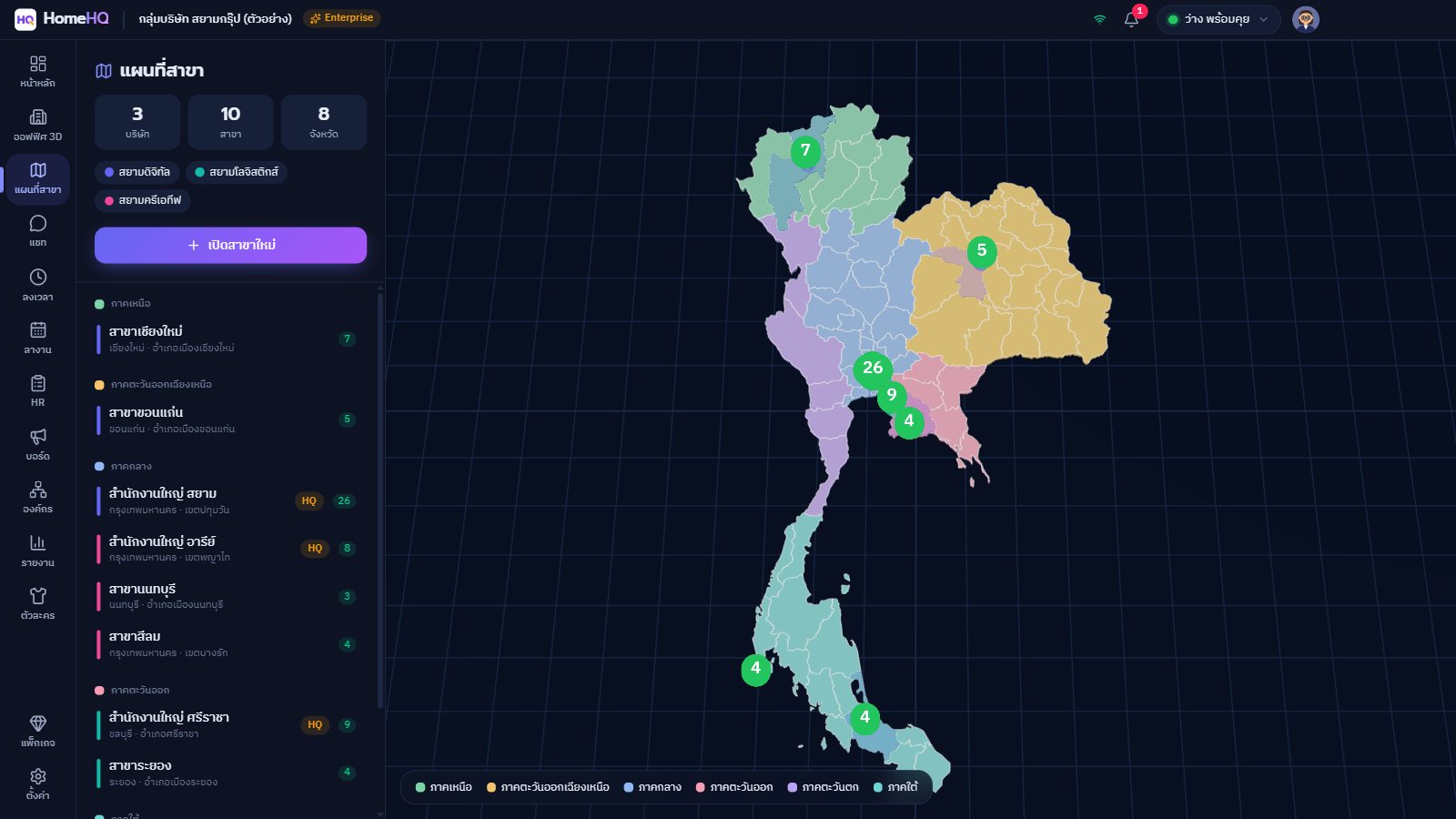
Yes. The Business plan and up supports unlimited group companies and branches. Each branch gets its own 3D office, and you can see the big picture of every branch on the map.
What happens if my plan expires?+
There's a 3-day grace period with reminders. After that, the account is paused until you renew — no data is lost, and you can request a temporary extension from inside the app.